Do you have hundreds of PDF invoices, contracts, or forms sitting in a folder? Typing every number and date into a spreadsheet by hand takes forever, and it is easy to miss a digit along the way. Extracting data from PDF with AI changes that completely, often in less time than it takes to set up a new spreadsheet template.
This guide explains how it works, using everyday comparisons. No tech background needed; you just need to know which documents are piling up on your desk.
Why Is Extracting Data from PDF Files So Hard?
To a computer, a PDF often looks like a photograph. It can see the shapes on the page but has no idea what they mean.
You glance at an invoice and instantly spot the total. A computer cannot do that on its own; it cannot tell a number from a random shape, both just look like dark pixels.
Every company also formats its documents differently. One puts the total in the top right corner, another buries it at the bottom left. A human assistant barely notices; an old-style program gets confused by every new layout.
Add handwritten notes, stamps, and signatures into the mix, and things get even messier. Older software usually just gives up at that point.
How Does AI Actually Do It?
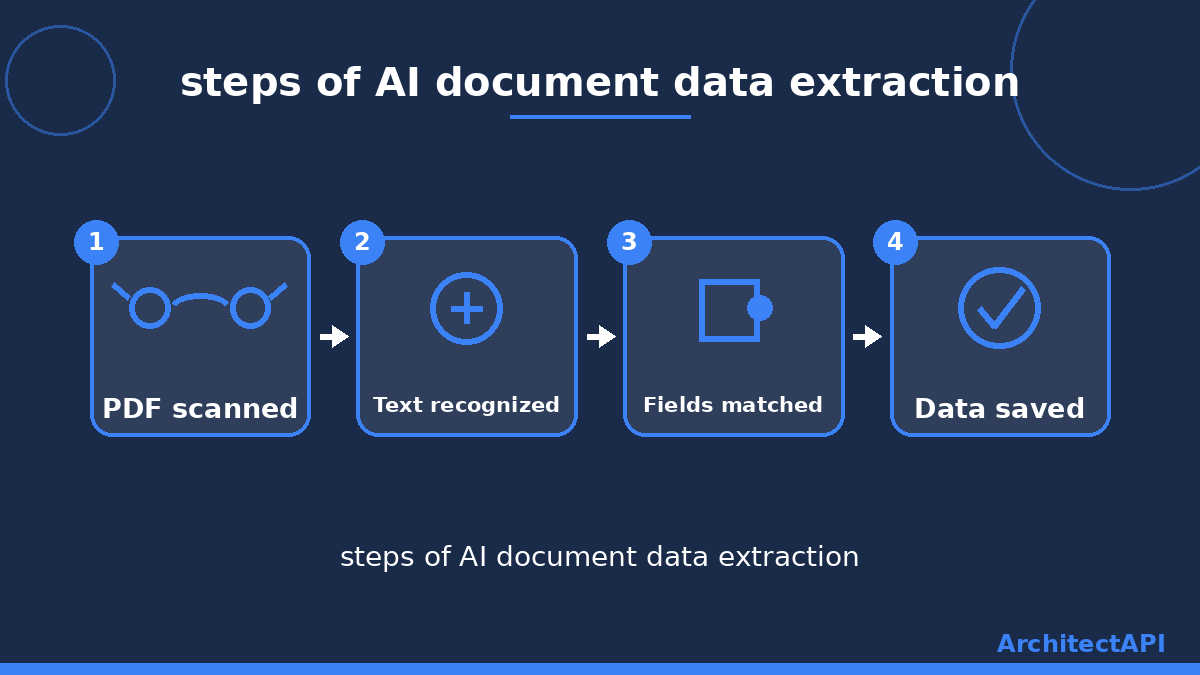
AI first puts on a pair of glasses, so to speak. This step is called OCR, and it simply means the computer learns to recognize letters and numbers.
A second, more important step follows right after. The AI does not just read the text; it figures out which part is a "date," a "total," or a "customer name."
This is close to what an experienced office assistant already does. The difference is that AI does it in seconds, without ever getting tired or losing focus late in the day.
The system also keeps a confidence score for each field. When it is not sure about a value, it does not approve it automatically; it flags the line for a person to check.
The result lands in a clean, organized table. Extracting data from PDF files into a spreadsheet happens automatically, with no manual retyping involved.
Which Documents Can This Handle?
This approach is not limited to invoices. Contracts, purchase orders, forms, payroll sheets, and reports can all be read the same way.
A construction company can pull quantities straight out of bid documents. A law firm can automatically capture dates and parties from a contract.
An accounting team can process hundreds of invoices without opening a single one by hand. An HR team can pull experience and education details from hundreds of résumés in minutes. AI document data extraction now works across nearly every industry.
ArchitectAPI's document processing solution was built exactly for this kind of work, and it adapts to your company's own document layouts.
How Is This Different from Manual Work?
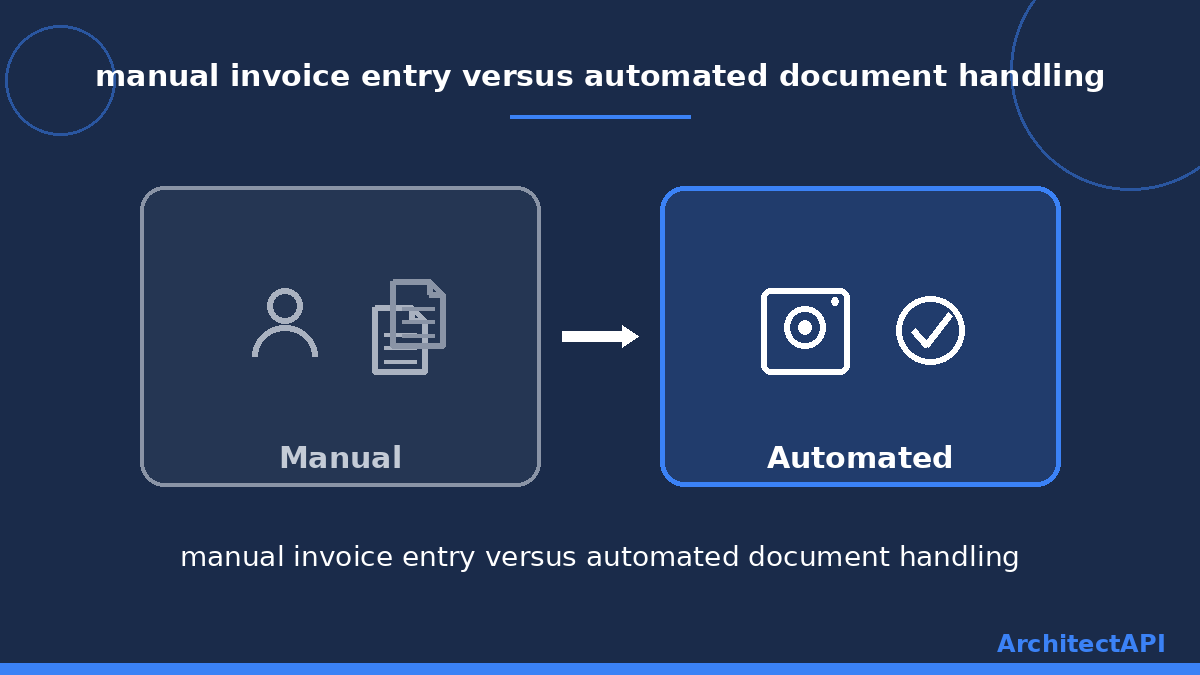
With manual data entry, someone opens every document, reads it, and retypes the details. A stack of a hundred documents can eat up an entire workday.
With AI, the same job finishes in minutes. Hundreds of documents can run at once, and the error rate drops because there is no fatigue or distraction involved.
The extracted data can also flow straight into accounting or inventory systems. That frees up the team to focus on real work instead of retyping numbers all day.
What About Data Security?
A fair question comes up here: are sensitive documents actually safe? Well-built systems process documents through encrypted connections, and only authorized people can see the results.
There is another safeguard worth knowing about. In a properly configured system, a risky or unusual record never gets approved automatically; it waits for a person to take a final look. That protects both security and accuracy at the same time.
Where Should You Start?
First, figure out which document type eats up the most time. Invoices, contracts, and forms are usually the biggest culprits; just asking your team which paperwork they complain about most is a good starting point.
Next, gather a handful of sample documents. An AI system learns your specific layout quickly from just a few examples, often without needing dozens of samples.
Take a look at ArchitectAPI's AI solutions page to find the right fit for your business. The team can help during setup and plan how it connects to your existing systems.
Instead of wrestling with stacks of paperwork, you can automate the process and spend that time on your actual work. For a deeper technical look, IBM's guide to intelligent document processing is a solid resource.