Do you end every month buried under a pile of paperwork? Then you have probably wondered: what is invoice automation, and can it really help? The short answer: it is a digital assistant that reads your incoming bills, files the details, and tracks payment dates. You get your evenings back.
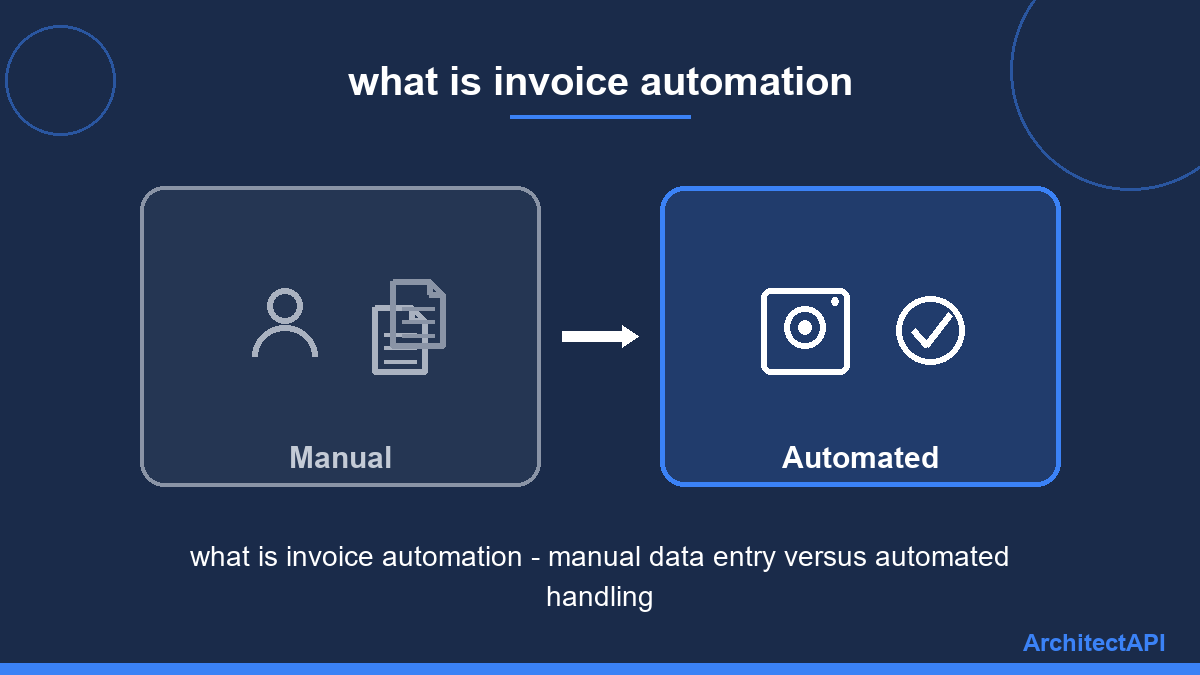
Think of it like a dishwasher for paperwork. You could scrub every plate by hand. Or you could load the machine, press a button, and walk away. Both get the job done — one just gives you your time back.
What Is Invoice Automation in Everyday Terms?
Picture the checkout line at a grocery store. The cashier does not type in each product's name and price. They scan a barcode, and the details appear instantly. The line moves fast, and pricing mistakes almost never happen.
Invoice automation gives your business that same barcode magic — without needing barcodes. The system "looks" at each document, just like you would. It picks out the supplier name, the date, and the amount in seconds. Then it writes everything into your books, neatly and without typos.
The reading trick has a technical name: OCR. Think of it as reading glasses for your computer. With the glasses on, it can understand paper bills, photos, and email attachments alike.
How Does It Work Behind the Scenes?
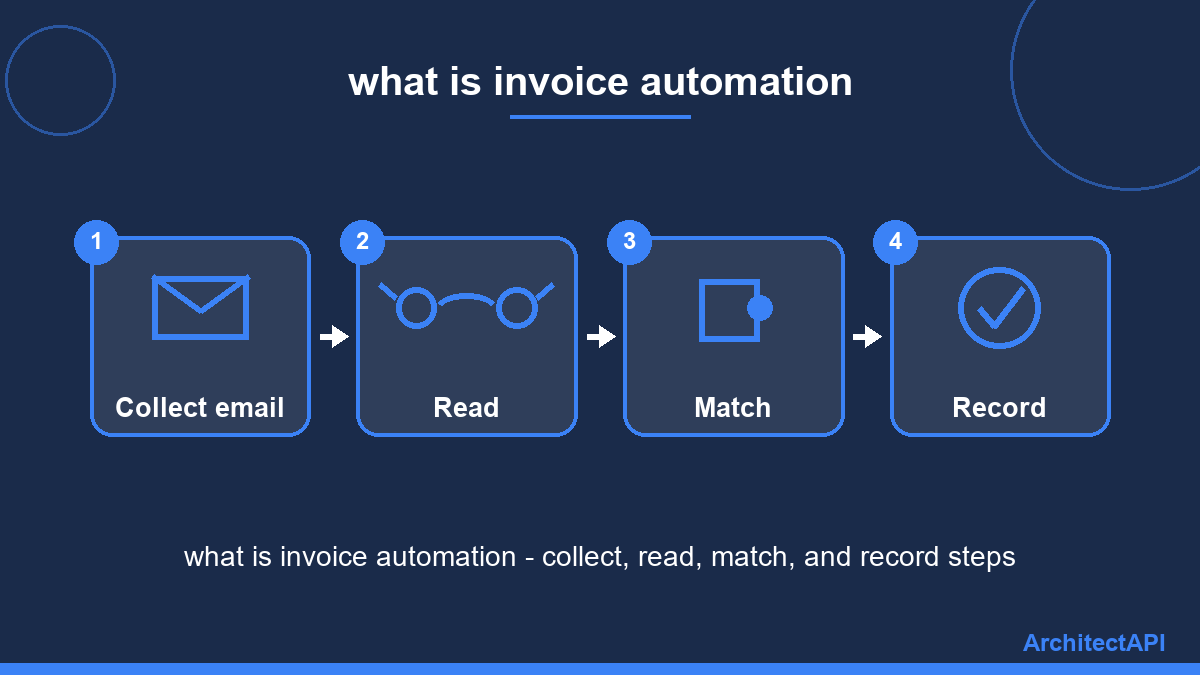
The whole process comes down to four simple steps:
1. Collect. Bills arriving by email are captured automatically. Paper ones? Just snap a photo with your phone.
2. Read. The "reading glasses" extract the amount, date, and supplier details.
3. Match. The system compares each bill against your orders. If the same amount shows up twice, it flags the duplicate and warns you.
4. Record and remind. The details flow into your accounting software. When a due date approaches, you get a nudge — no more late fees.
What Does It Mean for Your Bottom Line?
Start with time. Typing in one bill takes minutes. Multiply that by hundreds each month, and you lose a full workday every week. Automation shrinks that to nearly zero.
Then accuracy. A tired human can swap digits or add an extra zero. Software does not get tired or distracted. And this shift is accelerating: Gartner predicts that by 2026, forty percent of business software will include task-specific AI helpers.
Finally, visibility. You see what you owe each supplier on a single screen. No month-end surprises. Pair that with ArchitectAPI's AI solutions and you get a live health check of your whole business.
Getting Started Without the Headache
A common myth says you need an IT person on staff. In reality, modern tools are built for anyone who can use a smartphone. Setup usually takes a few days, and the system adapts to whatever accounting software you already use.
Starting small works too. Even a shop handling 30 to 40 bills a month feels the difference in the first week. Browse ArchitectAPI's document solutions to find an option that fits your size and budget.
The Takeaway: Let the Robots Do the Boring Part
So, what is invoice automation at the end of the day? It is not a luxury gadget. It is a practical tool that hands you back your time, cuts down errors, and makes sure no payment slips through the cracks.
Curious what it would look like in your business? Get in touch with ArchitectAPI for a free discovery call, and let the robots handle the boring part.
Frequently Asked Questions
Can it read handwritten bills? Mostly, yes. Modern reading technology handles legible handwriting with high accuracy. When it is unsure, it asks you to confirm instead of guessing.
Do I have to replace my accounting software? No. Automation tools are set up to work alongside the software you already use. The details flow into your existing system, so your routine stays the same.
Is my data safe? Yes. Your documents travel through encrypted channels and are stored in access-controlled environments. Compared with paper folders that can be lost or damaged, a digital archive is far safer.