Ever stared at a growing stack of paperwork and wished someone else would just read it for you? That is exactly what an invoice OCR system does. It takes the text printed on a document and turns it into information a computer can use. You do not type a single number by hand; the system "reads" the page and pulls out the important details on its own.
In this guide we explain, in plain language, what this technology actually does, how it works step by step, and what it can do for your business. No technical background needed, just everyday comparisons.
What is invoice OCR, in simple terms?
OCR stands for "optical character recognition." That sounds technical, but the idea behind it is simple. Think of it as a pair of glasses for a computer. Someone with blurry vision puts on glasses and suddenly the letters on a page become clear. An invoice OCR system does something similar: it puts "glasses" on a scanned or photographed document and recognizes the text printed on it.
But reading is only half the job. The system also figures out which piece of text is the reference number, which one is the date, and which one is the total amount. It reads and it understands. That is what separates a real invoice OCR system from a plain scanner.
Here is an everyday comparison. A teacher grading fifty exam papers by hand gets tired, and tired eyes sometimes misread a number. This kind of software does a similar job, except it never gets tired and reads every page with the same care.
How the process works, step by step
We can break it down into four simple steps. Each one adds a new layer of understanding on top of the last.
Step one: the document is scanned. A paper copy goes through a scanner, or someone snaps a photo with a phone. Files that arrive as PDF attachments enter the process at this same point.
Step two: the image gets cleaned up. A crooked photo gets straightened, and shadows or smudges get reduced. This is a bit like wiping a foggy lens; you need a clear surface before you can read anything.
Step three: the text gets detected. The software now recognizes every letter and number on the cleaned-up image. At this point, the page has turned into text a computer can actually understand.
Step four: the data gets extracted and processed. The system finds the reference number, date, total amount, tax ID, and vendor name inside that text. These details are sent automatically into your accounting software or a spreadsheet.
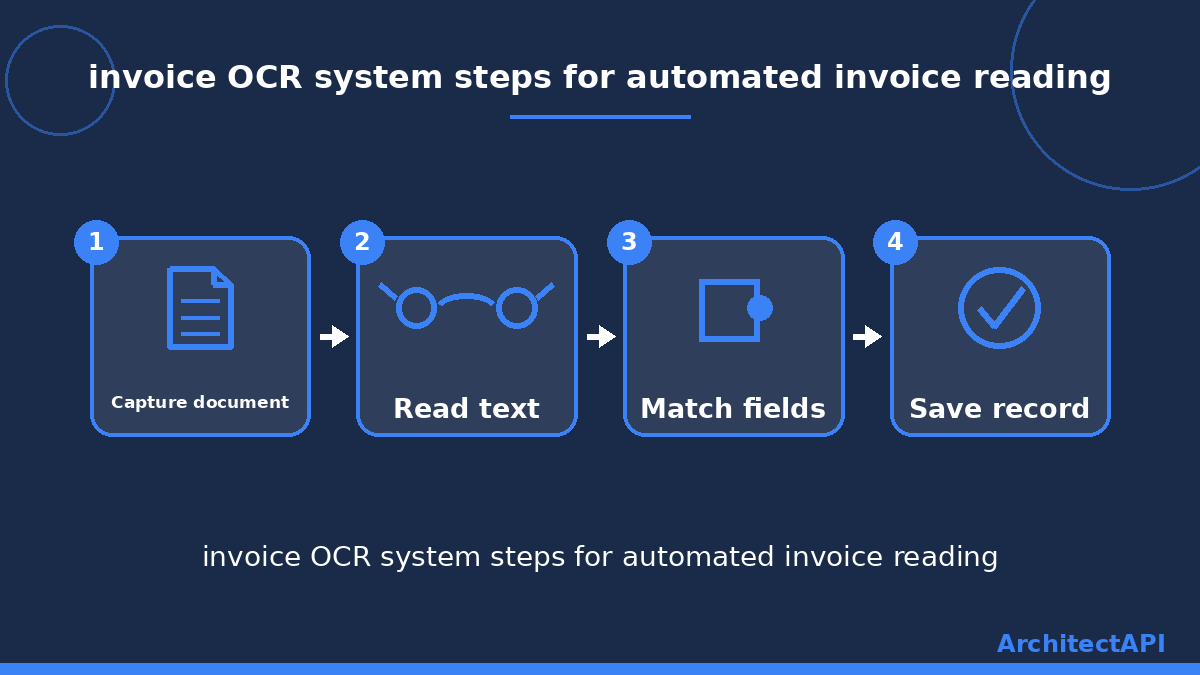
The result: a paper document turns into a clean, organized record within seconds, without a single human hand touching it.
What automated invoice reading does for your business
This kind of automation might sound like a small detail, but it removes a surprising amount of daily workload. Here are the clearest benefits.
- Time saved: instead of typing hundreds of records by hand, the software handles them in minutes.
- Fewer mistakes: a tired set of eyes can misread a digit. The system reads every page with the same care.
- Faster payment tracking: the key details land in your system instantly, so you are far less likely to miss a due date.
- Easier archiving: every record becomes searchable, turning a messy folder into a tidy archive.
- Happier teams: your staff spend less time on repetitive data entry and more on work that actually needs a human.
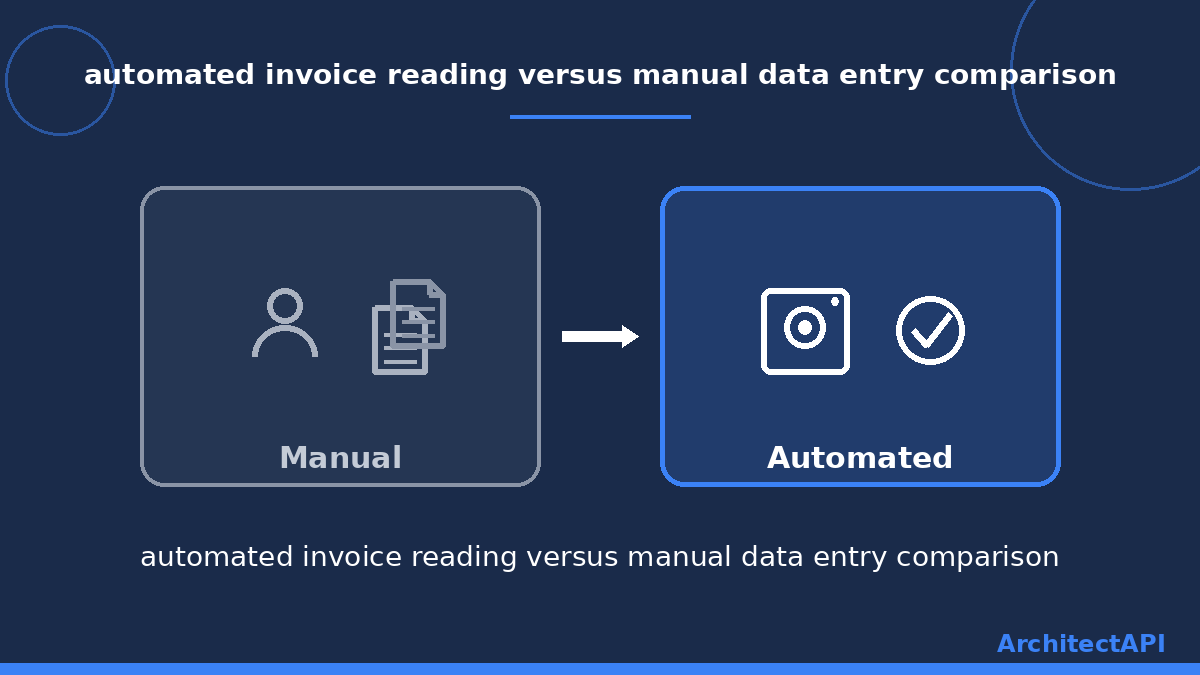
These benefits matter most for businesses that process dozens, or hundreds, of these documents every month. ArchitectAPI's invoice reading solution was built exactly for that need.
Where invoice OCR gets used
This technology is not limited to one industry. An accounting firm can process many clients' paperwork at once and save enormous amounts of time. A retail store can let the software handle the dozens of supplier documents that would otherwise be typed in by hand every week. A construction company can bring records from different subcontractors into one consistent format.
In short, any business handling more than thirty of these documents a month tends to benefit. The more volume you have, the more time you get back.
What to look for in a recognition tool
There are plenty of tools on the market. A few simple questions help you pick the right one.
First, check whether the tool reads both scanned paper and PDF files. Some tools only handle one format, which leaves part of your workload untouched.
Next, ask how accurate the extracted data actually is. Reading about how optical character recognition technology works from an independent source helps you set realistic expectations.
Finally, confirm the tool connects to the accounting software you already use. Even the best invoice OCR system becomes extra work if it cannot talk to your other tools.
Conclusion: say goodbye to paper piles
An invoice OCR system gives you back the hours you used to lose digging through paperwork. Every scanned page turns into a clean record within seconds, leaving you free to focus on your actual work.
If you want to automate this process for your business, take a look at ArchitectAPI's invoice reading solution. You can try it with your own documents and see exactly how it works.